Sandboxed by design
PDF is a complex format. It should not be parsed and rendered in Okular’s memory space, unconfined. The document engine runs in an isolated worker process.
A MuPDF-based secure and fast backend for Okular. Supports PDF, ePUB, legacy MOBI, and DRM-free AZW3 and single-container KFX books.
Document rendering is moved to an isolated and hardened worker process. This reduces the impact of MuPDF vulnerabilities while keeping Okular’s desktop integration seamless.




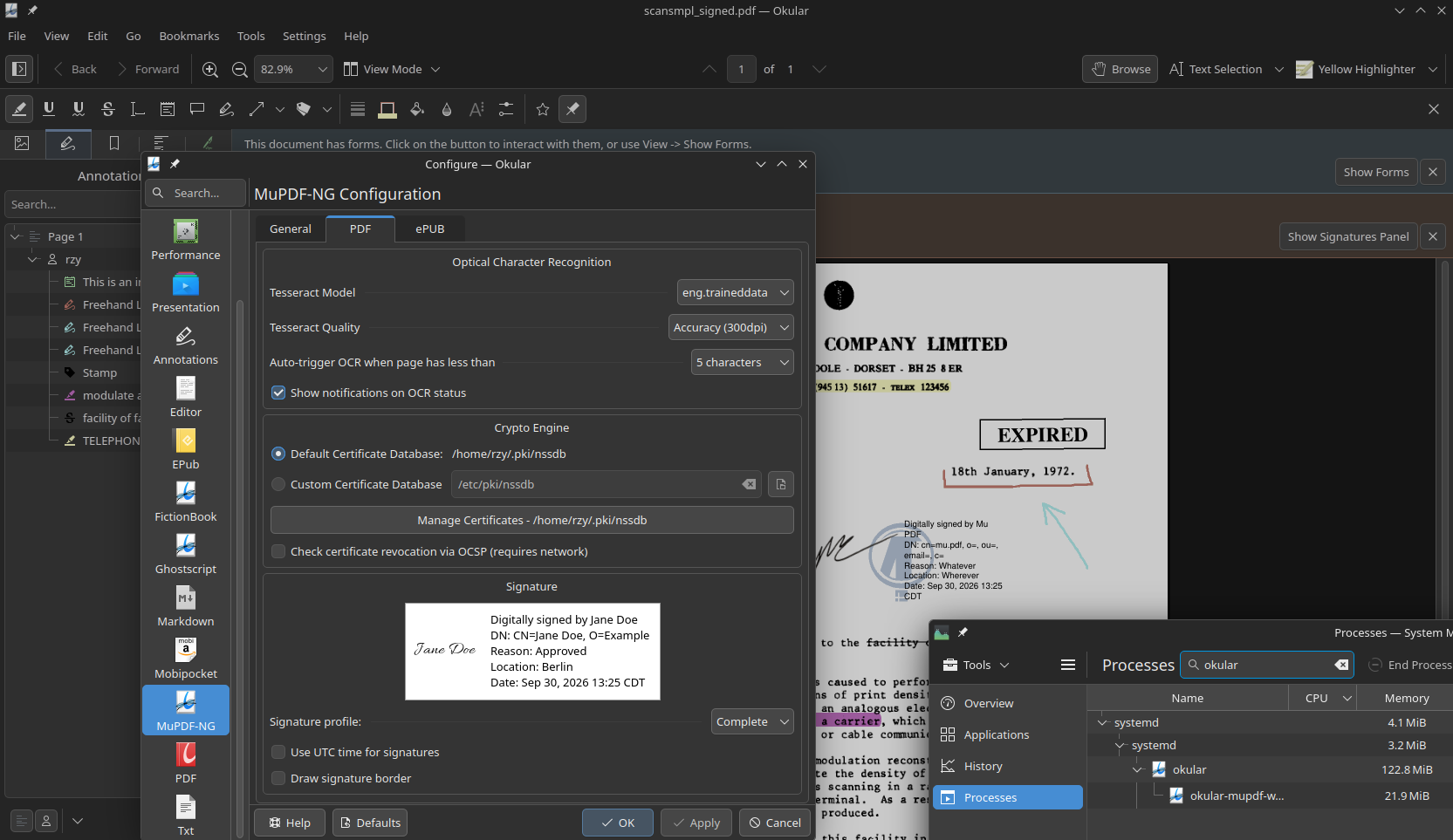
Click any screenshot to view it fullscreen — close button top-right, or press Esc / click outside.
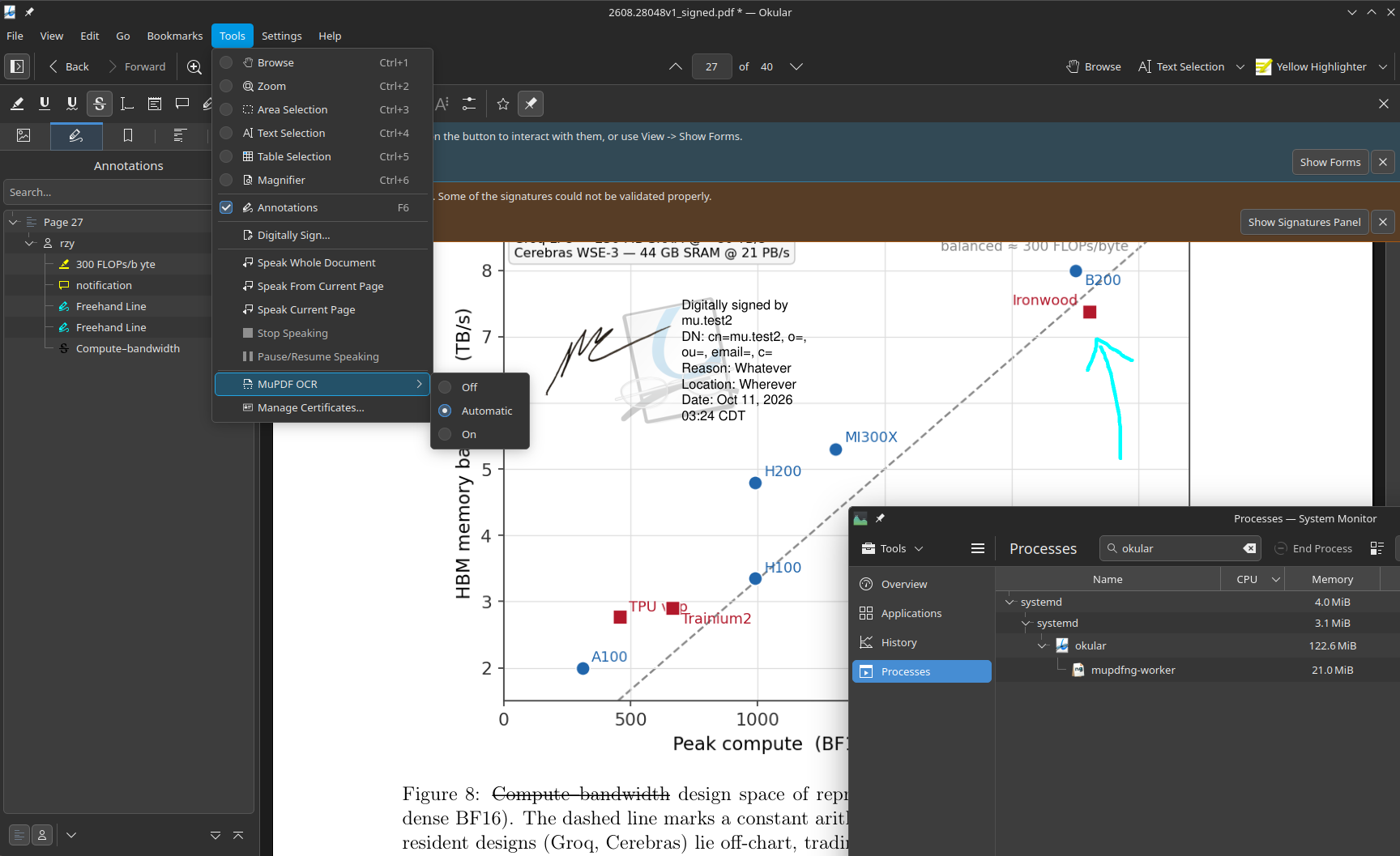
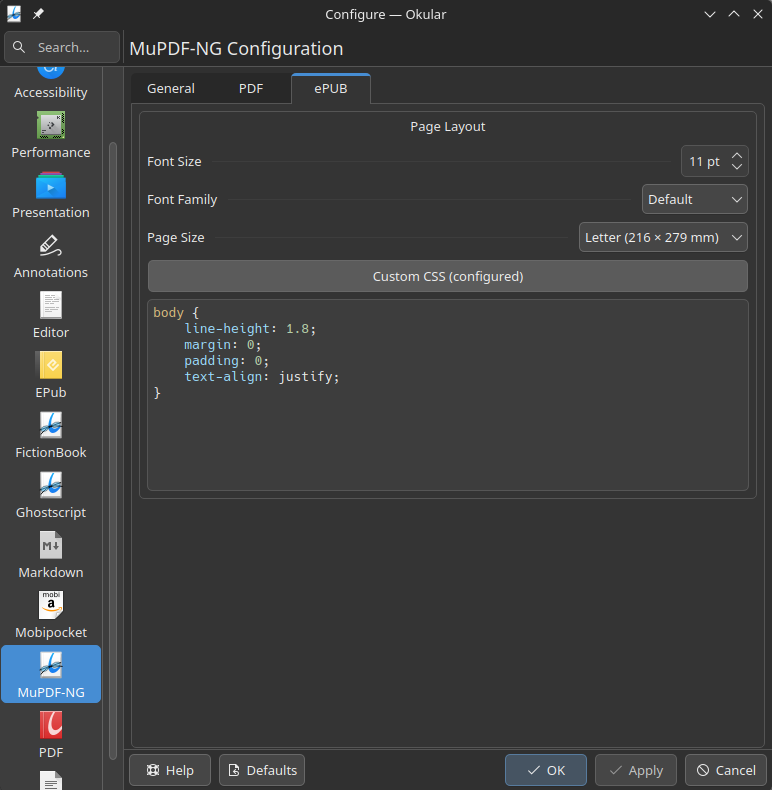
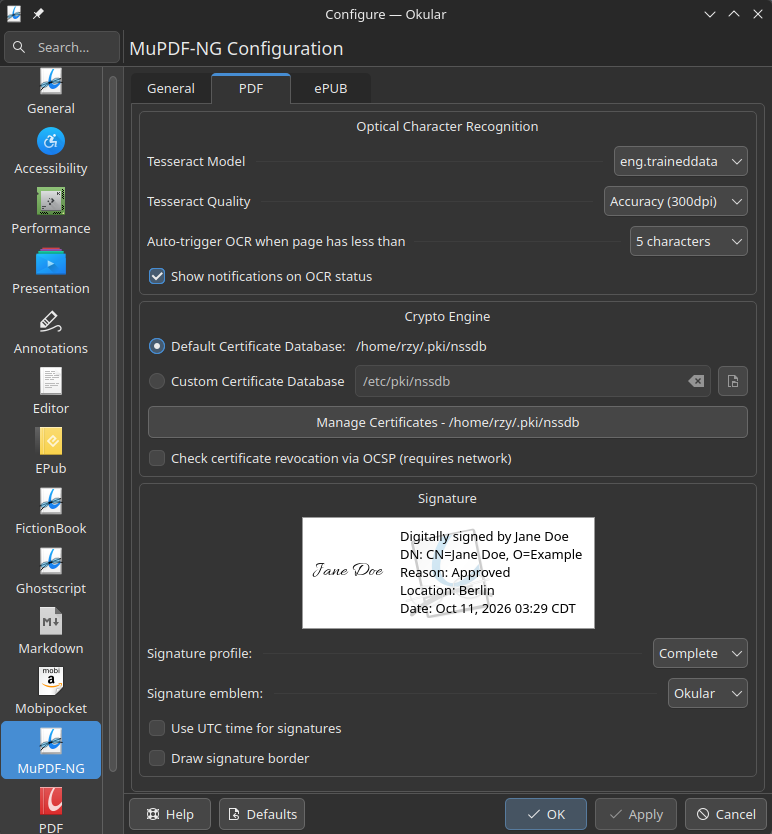
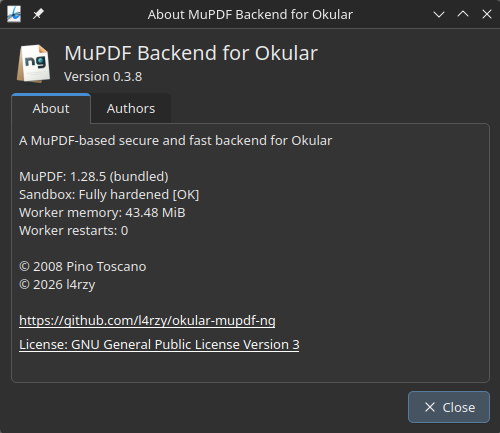
PDF is a complex format. It should not be parsed and rendered in Okular’s memory space, unconfined. The document engine runs in an isolated worker process.
The Poppler backend is feature-rich but sluggish on large documents — a known weakness of Poppler. MuPDF renders quickly even where Poppler stalls.
The default ePUB and MOBI backends render poorly and slowly, even on a high-end CPU. This backend adds DRM-free AZW3 and single-container KFX support, with shared layout settings and PDF export for all supported ebook formats.
The document engine runs in an isolated worker process, where potentially unsafe documents are parsed and rendered. See ARCHITECTURE.md for component responsibilities, IPC, shared rendering buffers, sandboxing, caches, and the source-tree layout.
| Feature Category | Capabilities | okular-mupdf-ng | Okular official backends |
|---|---|---|---|
| Safety & Isolation | Sandboxed out-of-process worker (Landlock, Seccomp, namespaces, resource limits) | ✓ | ✗ (in-process execution) |
| Smart Document Theming | Default, Twilight, Dusk, and Dark viewing themes for all supported formats | ✓ | ✗ (Accessibility color modes) |
| OCR | Built-in Tesseract page OCR engine | ✓ | ✗ |
| Ebook customisation | Custom CSS, Page size, Font size, Font family | ✓ | ✗ (Font size only) |
| Certificate Manager | NSS certificate manager; manage trust and generate RSA and ECDSA P-256 signing certificates | ✓ | ✗ (Cert listing only) |
| Link Preview | Preview internal link destinations on hover | ✓ | ✗ |
| Annotation export | Export PDF annotations to XFDF | ✓ | ✗ |
| Flattened PDF export | Bake annotations and form fields into PDF page content | ✓ | ✗ |
| PDF Heuristic Outline | Outline generation for PDFs that don't have embedded outline | ✓ | ✗ |
| Ebook export | Export ebooks to PDF with links and TOC; convert ePUB to AZW3 and Kindle books to ePUB | ✓ (PDF via MuPDF rendering) | ✗ (document print) |
| Signature Profiles | PDF Signature profiles and customisations | ✓ | ✗ |
| Formats | PDF, ePUB, MOBI, AZW3, KFX | ✓ | ✗ (PDF and basic ePUB/MOBI support) |
| PDF Forms | AcroForm text inputs, checkboxes, radio buttons, choices, and push buttons | ✓ (AcroForm; XFA detected only) | ✓ (AcroForm; XFA detected only) |
| PDF form JavaScript | Calculations and button/field-event actions | ✓ (MuPDF/MuJS executes in the sandboxed worker; experimental, opt-in) | ✓ (Poppler passes scripts to Okular, which executes them in QJSEngine) |
| Annotations | Text, highlight, line, shape, ink, stamp, caret | ✓ | ✓ (plus sound, movie & file-attachment annotations) |
| Document Tools | Text search, outline/TOC, links, fonts, metadata, embedded files | ✓ | ✓ |
| Printing & Exporting | Print & Export | ✓ | ✓ |
| PDF layers | Toggle optional content in the Layers sidebar | ✓ | ✓ |
See INSTALL.md for prebuilt packages, build requirements, and instructions for building from source.